How do you determine which words from a unit should be explained to students before reading? Use the Oxford Text Checker—a tool that helps analyze text vocabulary and determine the difficulty level of words according to the CEFR.
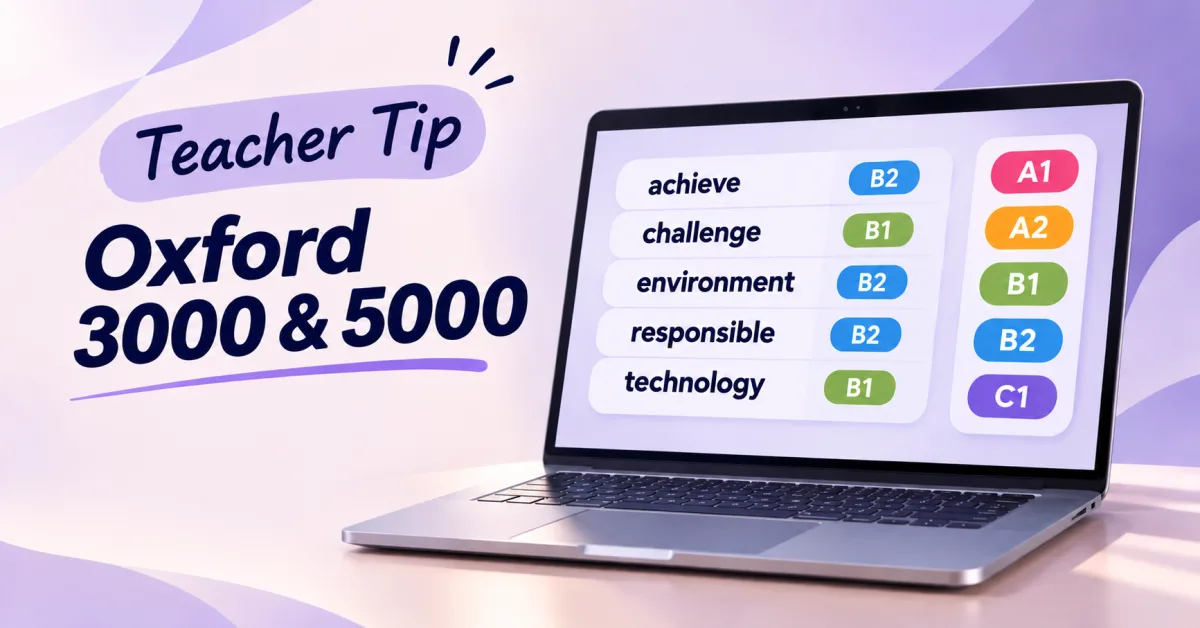
The Oxford Text Checker displays the CEFR levels of words from the Oxford 3000 and Oxford 5000 word lists (ranging from A1 to C1). This allows you to quickly identify vocabulary that might be challenging for your class and prepare students ahead of time.
How It Works: 3 Simple Steps
Paste your reading text
Copy the reading passage from your unit, paste it into the Oxford Text Checker, and select either the Oxford 3000 or Oxford 5000 list.
Identify words that need explanation
Review the analysis results and focus on words that are one level above your students' current level. This is the key vocabulary worth pre-teaching to help students understand the text more easily.
Create your custom word list
Go to the Activities tab and generate a list of the target vocabulary. You can print it out or send it directly to your students for self-study.
Useful Oxford Resources
Oxford 3000 & 5000 lists: Lists of the most important words in English, categorized by CEFR levels.
Oxford Text Checker: A tool for vocabulary analysis and preparing teaching materials.
Teacher Tip: Use the Oxford Text Checker to make reading activities more accessible to your students and focus your time on the exact vocabulary they need.